Get started
1
Prerequisites
- 一个连接到 OAK Hub的OAK相机 (Connect OAK)
2
生成 app
前往 OAK Hub website 然后前往 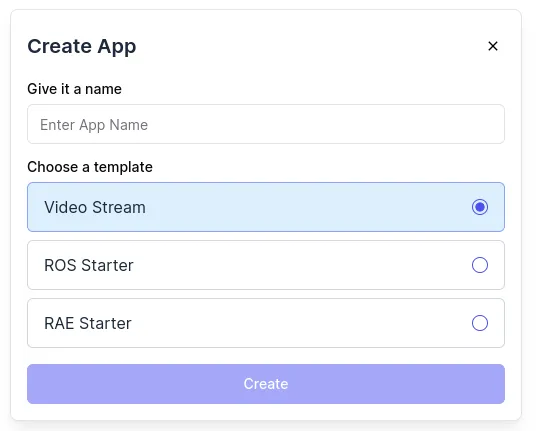 点击
点击
Apps.点击 Create App 然后填写名称. 然后选择一个 available templates (如果不知道就选 Video Stream).点击 Create.几秒后应用程序会显示在你的团队 apps列表里.3
在开发模式下安装App
导航到你想要开发应用程序的 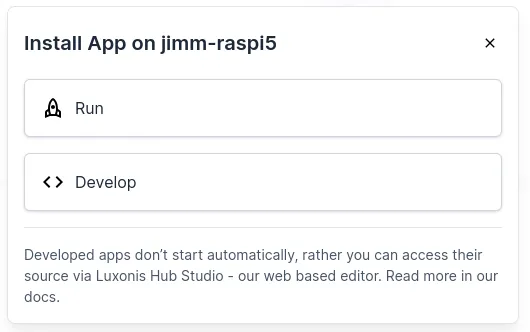 选择您刚刚创建的应用程序和唯一可用的版本.选择您想要使用开发的 OAK 设备然后点击
 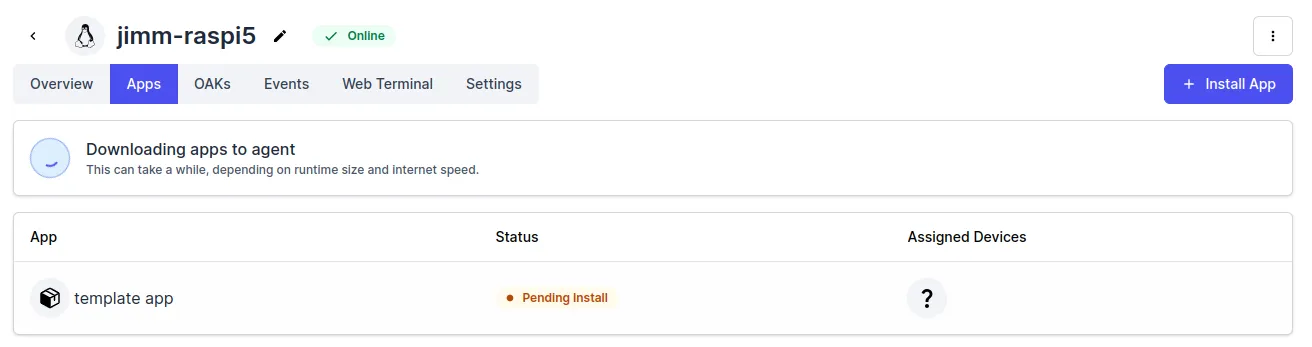 Once the app
Device 详细信息. 点击 Apps 然后点击 Install App. 在对话窗选择 Develop.选择您刚刚创建的应用程序和唯一可用的版本.选择您想要使用开发的 OAK 设备然后点击 Install with selected.Once the app Status shows as Stopped its ready to be used for development.4
打开OAK Studio
点击你安装的应用程序, 这将打开详细信息页面.在右侧面板中, 一个名为 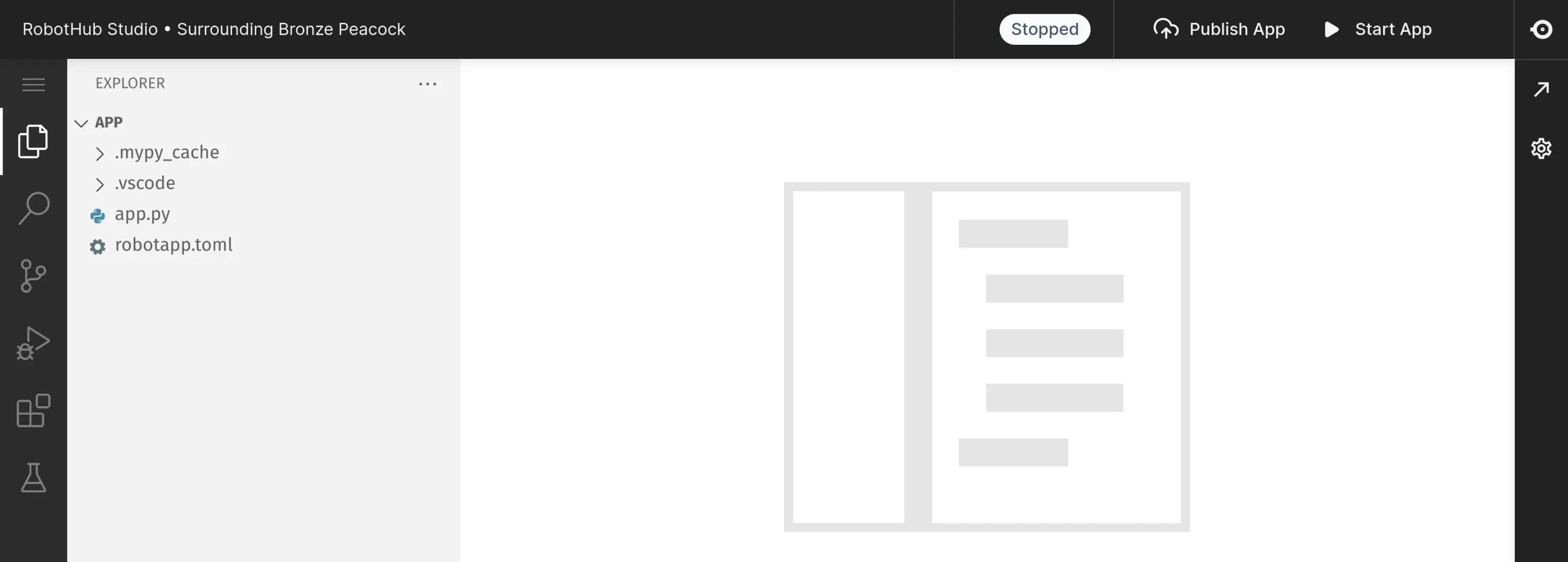
Code Editor 的按钮将打开 OAK Hub Studio.因为 studio 和App一样在相同的容器中本地运行, 您必须和您的其他设备如 Robot一样连接在同一个网络.
下一步
了解 template code
Follow our detailed guide that explains every part of the code.
OAK Hub Studio
Discover our web based IDE.
探索相机 SDK
DepthAI is our Python library to connect to and configure the camera.
探索云端 SDK
`robothub` is our Python library that simplifies usage in Luxonis Hub and enables interaction with the cloud.