模型上传/下载
总览
HubAI 允许你上传自己的自定义模型并下载具有访问权限的任何模型. 以下是一个简单的分步指南, 可引导您完成上传和下载的过程.上传指南
这里假设您已经准备好了 Model File(s) 和 Model Card . 如果还未完成, 请查阅 Model Preparation 指南.
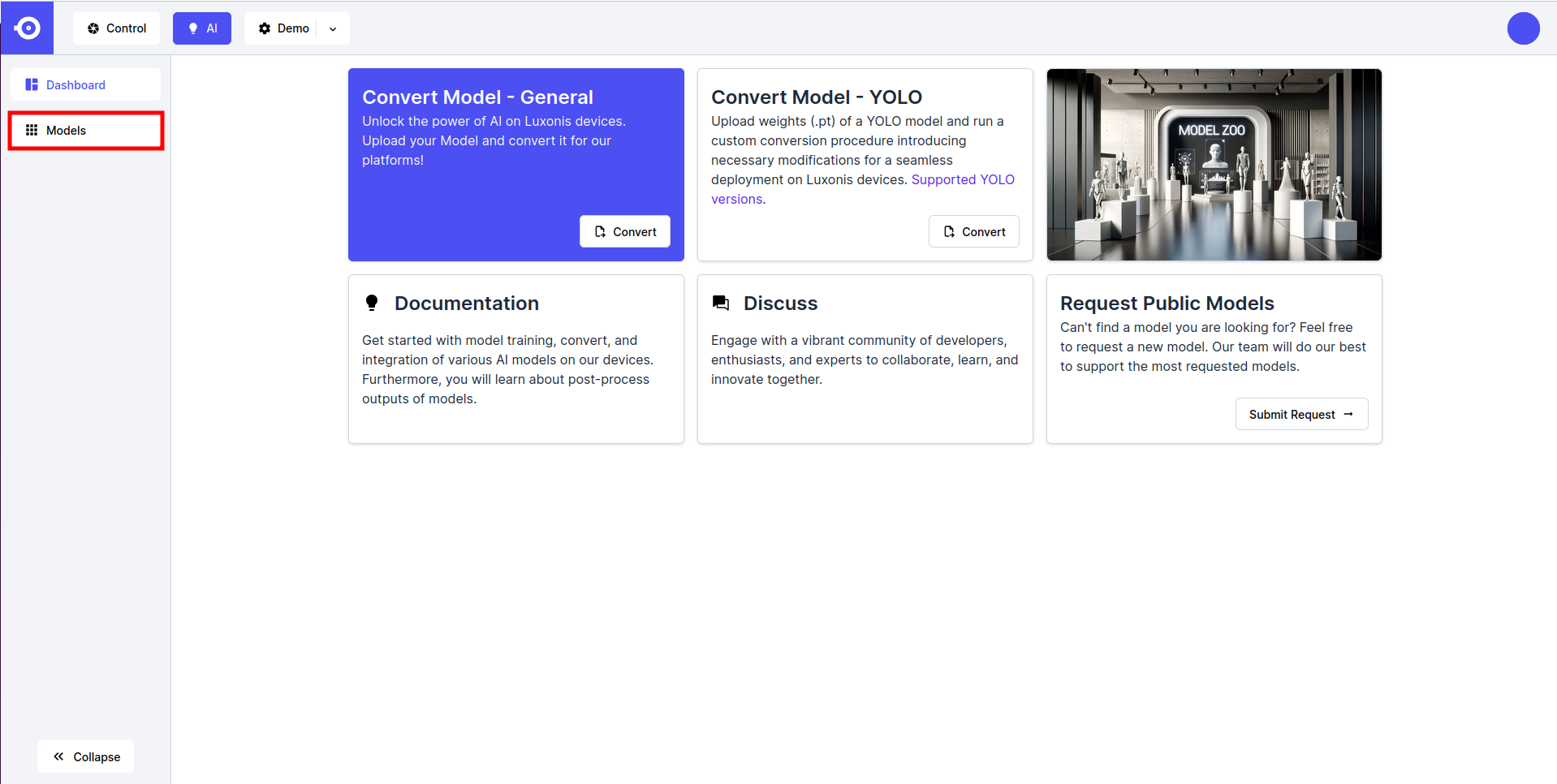
- 点击页面顶部右侧的 Add Model 按钮.
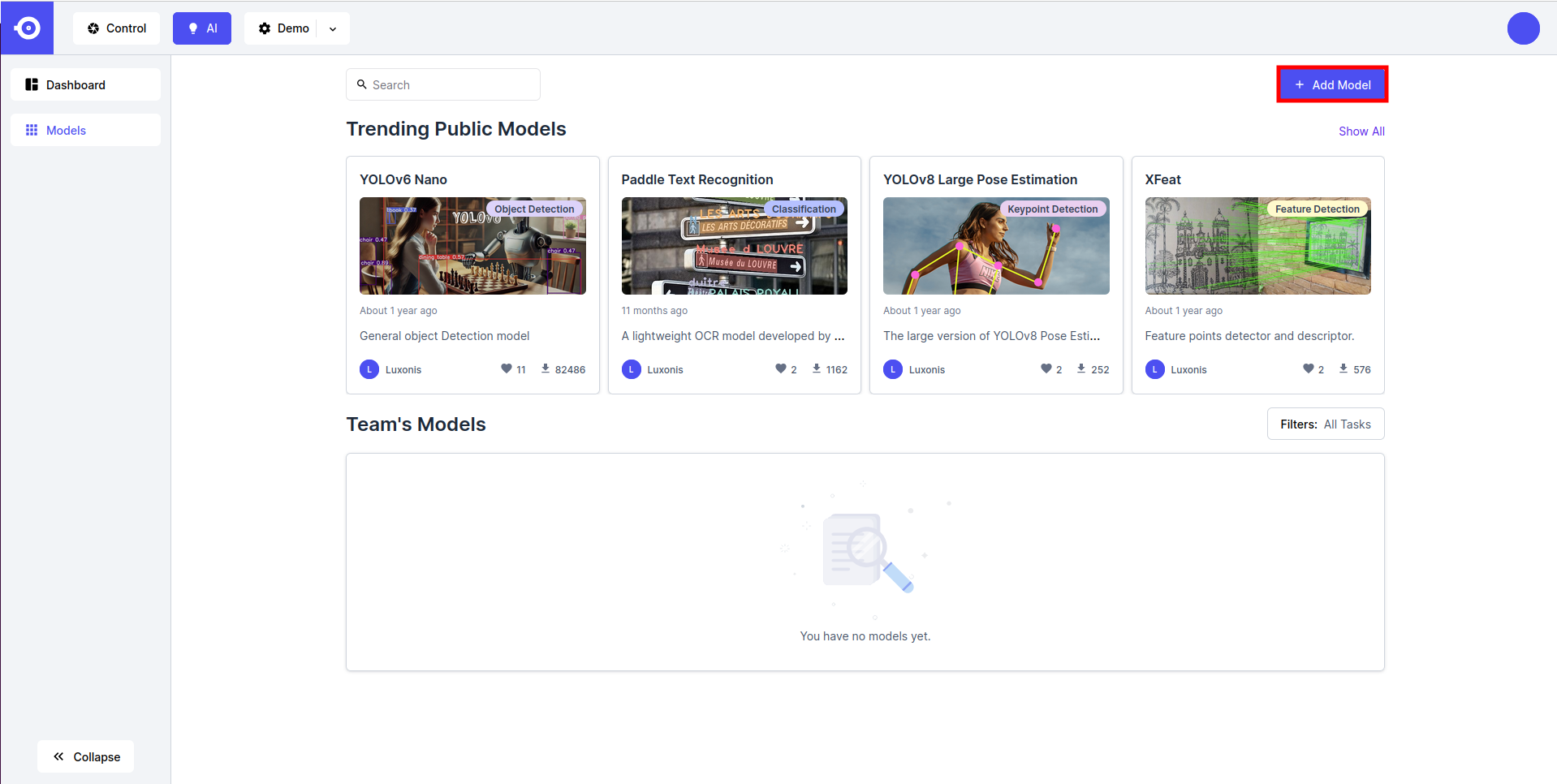
- 选择上传模型类型:
- YOLO, if uploading PyTorch (
.pt) weights of a YOLO model (make sure that your model is one of the supported PyTorch YOLO models). - Custom, if uploading an ONNX (
.onnx), OpenVINO IR (.xmland.bin), or TensorFlow Lite (.tflite) or any RVC compiled format model executable(s).
- YOLO, if uploading PyTorch (
- If the YOLO option was selected, the model will be converted to the appropriate RVC compiled format during the conversion. A pop-up window is opened where you can choose the RVC Platform the model should be converted for.
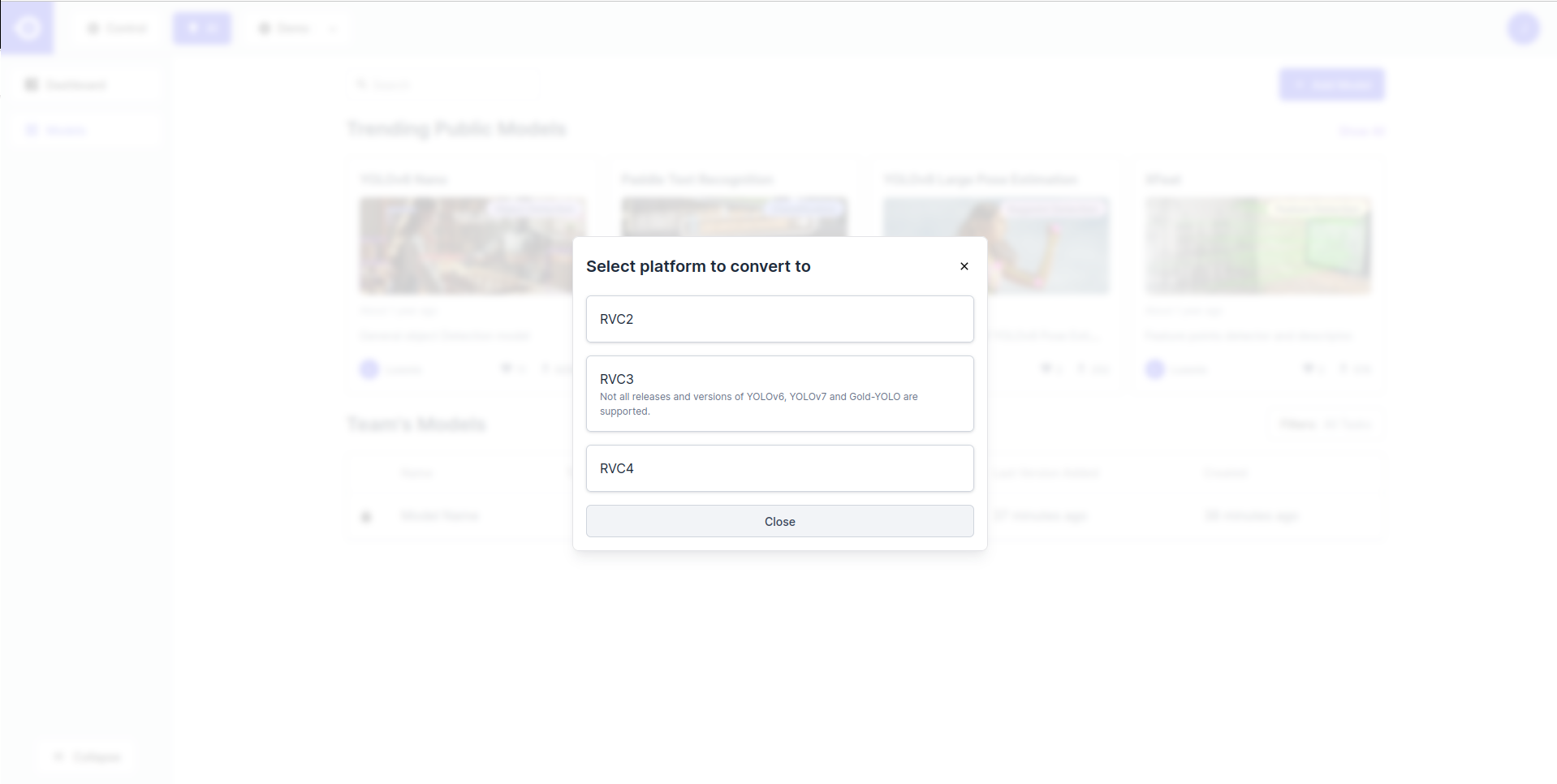
- 接下来, 将打开一个弹窗. 使用模型描述符填充空字段. 根据所选的型号类型和平台, 您将被要求填写以下一些参数:
- Model Name (REQUIRED) - Name used to reference the model through HubAI.
- Model Version - Version of the model (e.g. 1.0.0 if the first version).
- License - Choose the license that governs the use/distribution of the model (e.g. MIT).
- Public - Choose whether the model should be public (visible to other HubAI users). Default option is private (team-owned).
- Short Description - Short description of the model shown under the model tumbnail.
- Model Image - Upload image that illustrates model performance.
- Tasks - List machine learning tasks that the model tackles (e.g. classification, object detection, etc.).
- YOLO-specific parameters:
- Model Instance Name - Name of the converted model (e.g. <model>:<platform>).
- Version - YOLO version of the uploaded model (e.g. YOLOv5).
- Class Names - Add class names one-by-one by clicking the Add button.
- Shape - Input shape of the model.
- Quantization Data - Models converted for RVC3 and RVC4 platforms can be quantized to reduce their computational and memory costs. This process requires example input data to be passed to the model. Choose the most appropriate dataset from the provided options (the one most similar to the model’s training data) or None if you do not want to quantize the model.
- POT Target Device - Target device for POT (RVC3 only).
- 完成后上传模型文件 (点击上传或拖放到 Model File 部分) 然后点击 Add 按钮 (或 Yolo的 Export 按钮) 将模型上传到 HubAI.
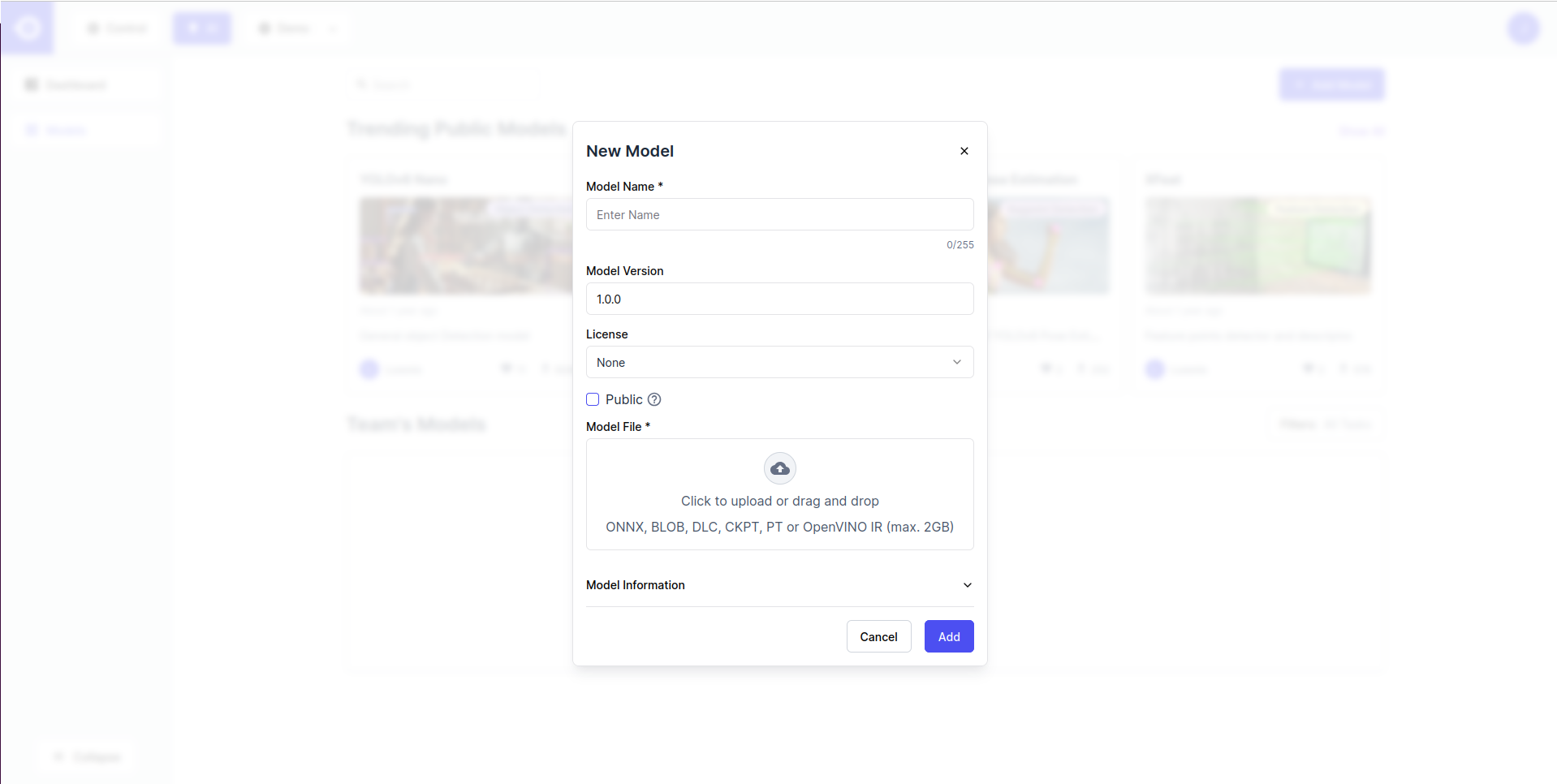
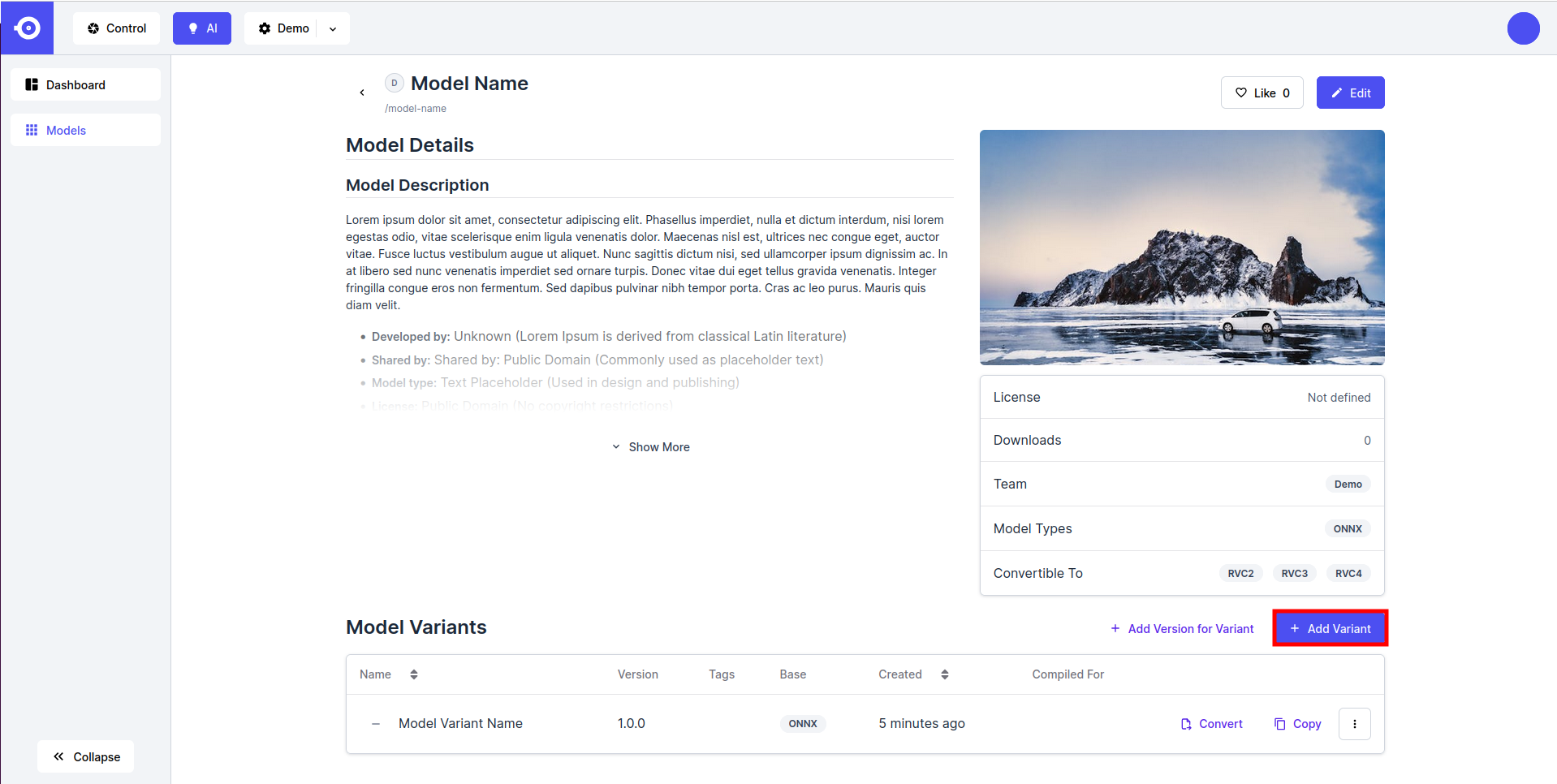
- HubAI 允许上传模型的多个版本 (例如, 如果模型以不同的输入形状导出, 在不同的数据集上训练等). 可以通过点击页面右下角的 Add Version 按钮来添加新的模型版本. 对于公有模型, 建议遵循统一的版本命名. 版本名称不应包含模型名称, 仅包含用于区分变体的相关描述符(例如训练数据集的名称, 输入形状等). 描述符应该用一个空格分隔. 确保输入形状(input_height x input_width) 始终作为最后一个描述符.
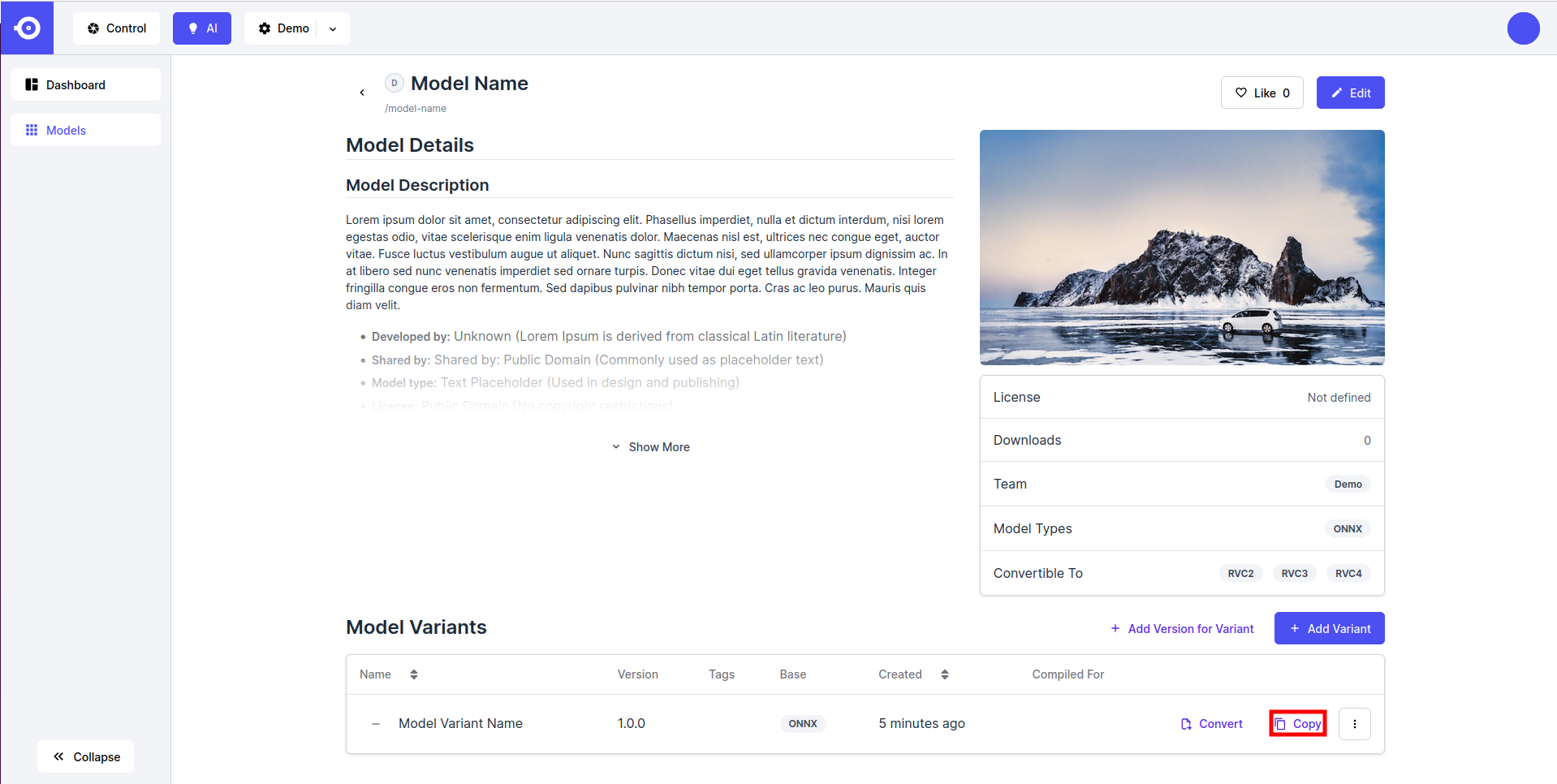
- 完成上传后, 您可以使用通过单击感兴趣版本旁边的 Copy 按钮获得的参考来引用特定版本:
找不到您要查找的模型或上传模型时遇到问题? 请填写 model request form. 我们将尽最大努力支持所需要的模型.
下载指南
要从 HubAI下载模型, 请执行以下操作:- 点击所需公共或私有 (团队拥有) 模型, 下滑至 Model Versions, 然后点击所需模型版本的名称.
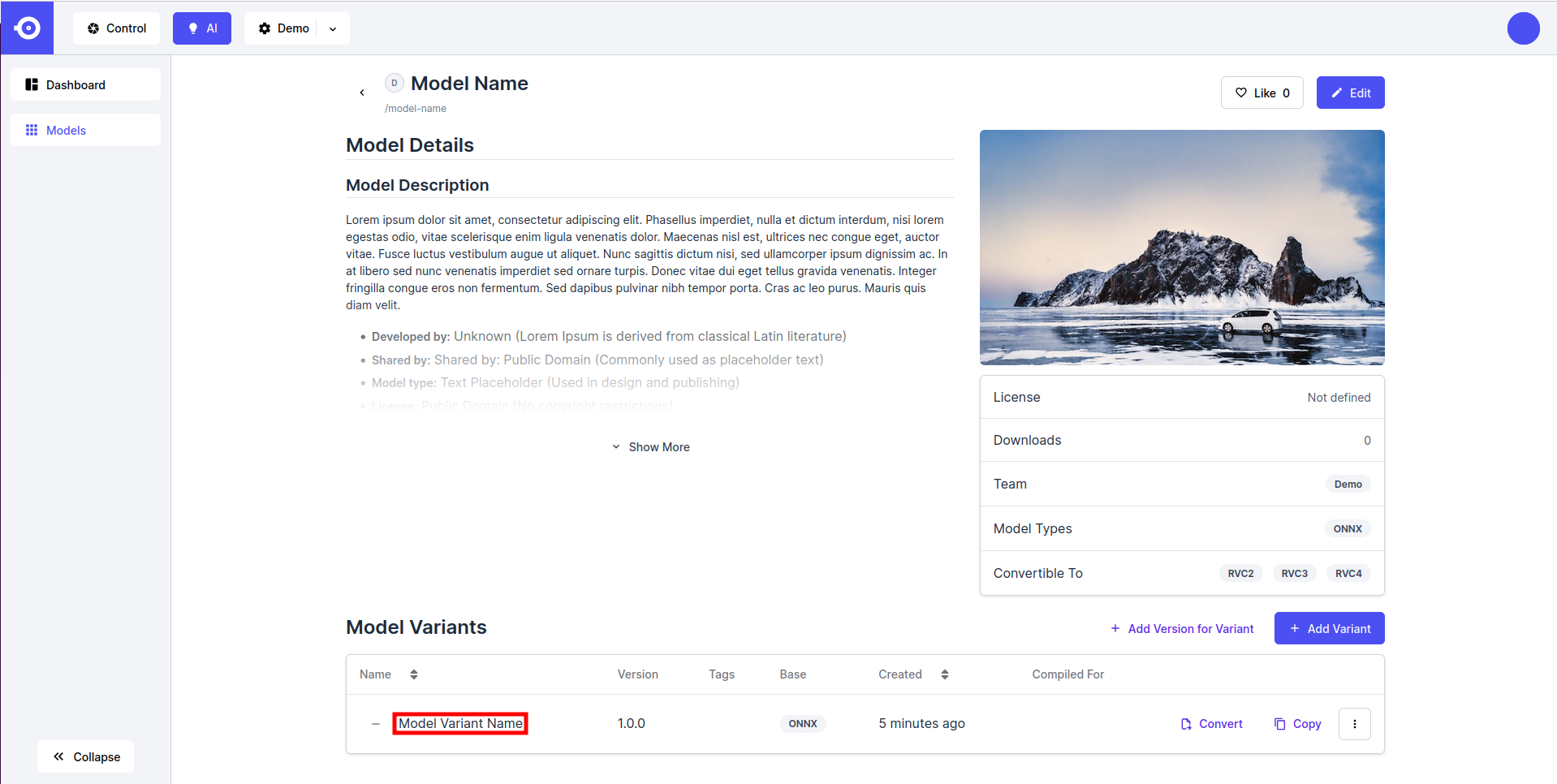
基础模型
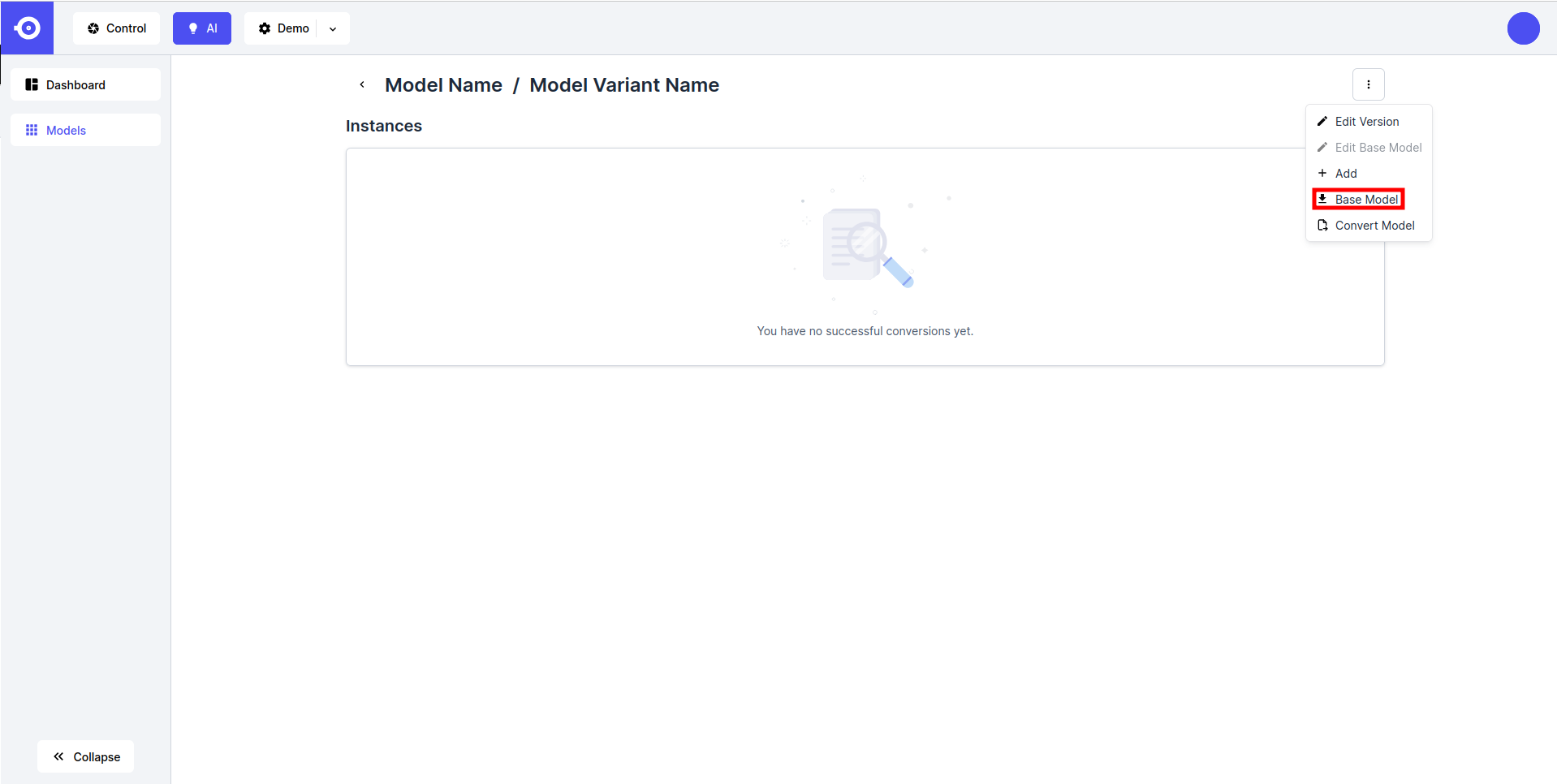
- 要下载未转换的模型, 请点击页面右上角的虚线按钮, 然后选择 Base Model.
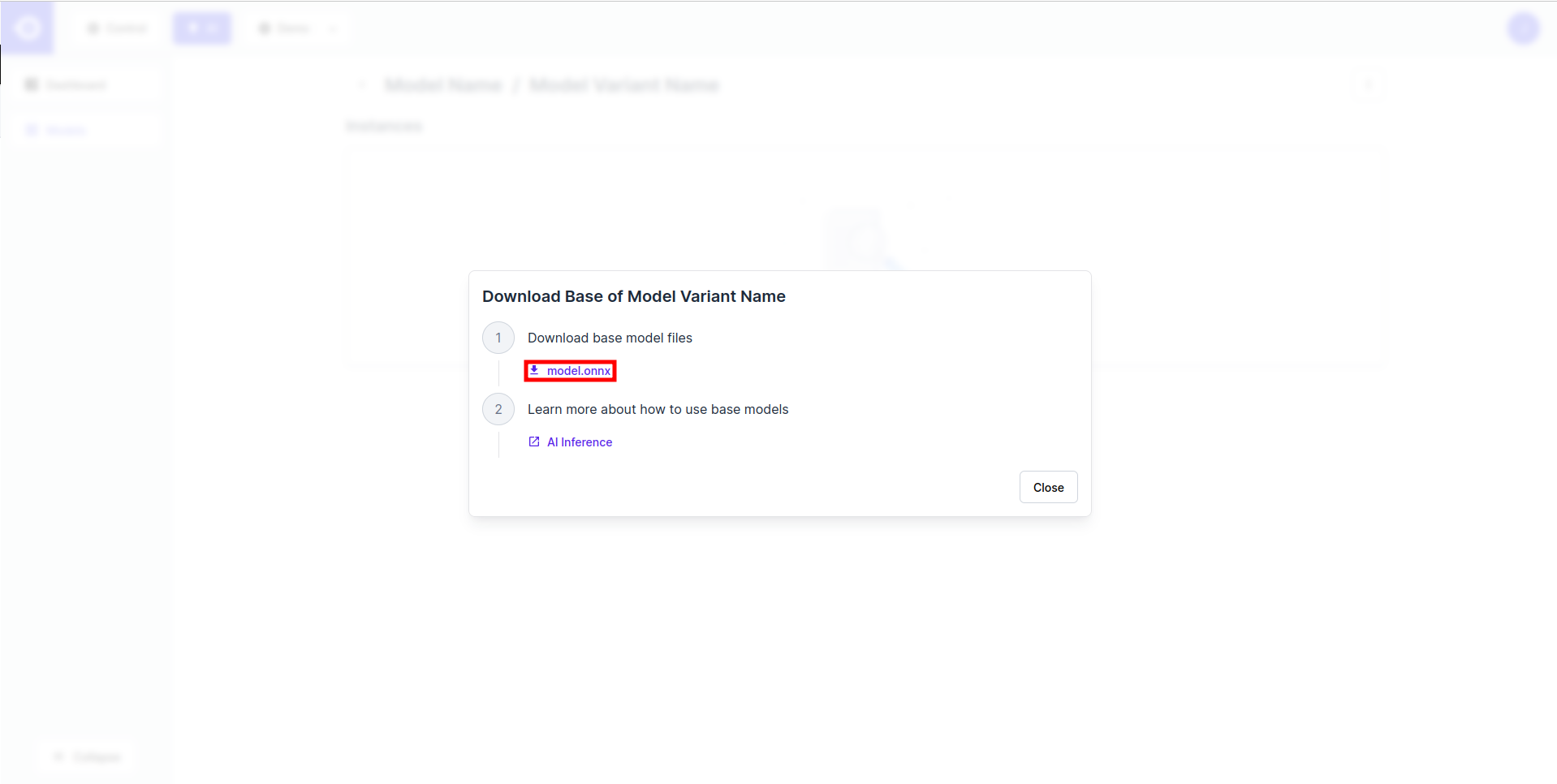
- 这会打开一个弹窗, 点击模型名, 开始下载.
转换后的模型
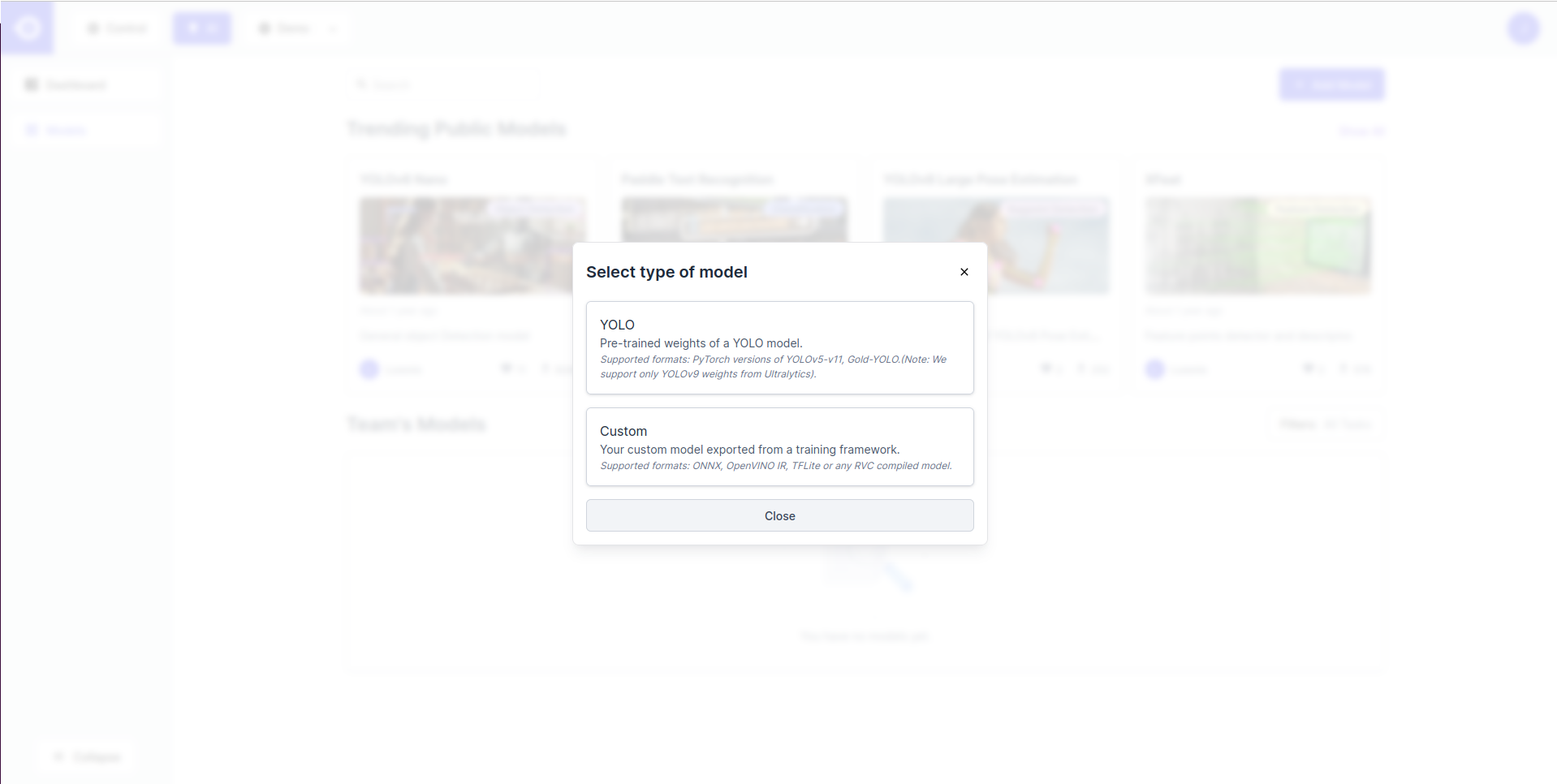
- 要下载一个转换后的模型, 点击转换后的实例的名称.
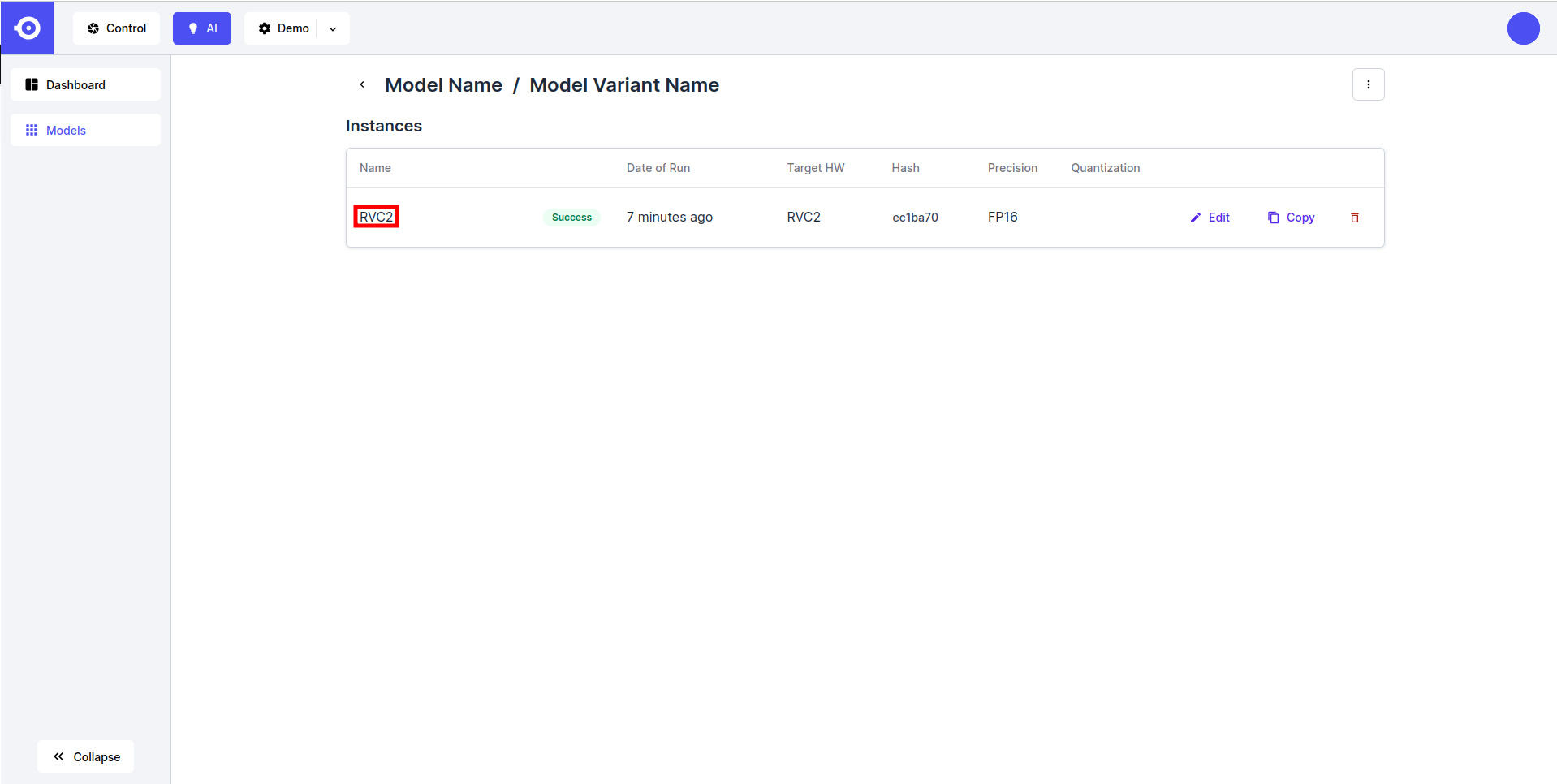
- 这将打开一个弹出窗口. 点击文件名开始下载
.tar.xz.